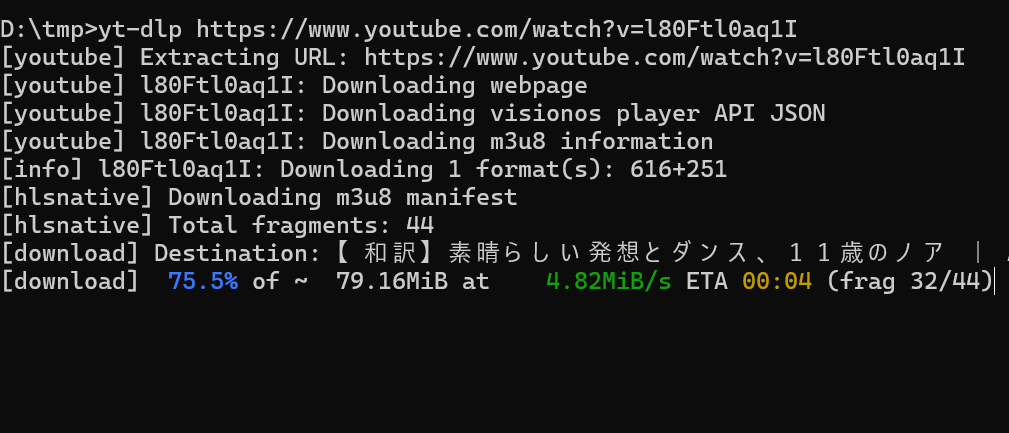
2026年9月時点の記事です。
yt-dlpとYouTubeは仕様変更がはげしいので最新の情報をチェックするようにしてください。
とりあえずyt-dlpを最新にする。
yt-dlp -U
JavaScript関連のエラーが出ている場合
[youtube] No supported JavaScript runtime could be found. Only deno is enabled by default; to use another runtime add –js-runtimes RUNTIME[:PATH] to your command/config. YouTube extraction without a JS runtime has been deprecated, and some formats may be missing. See https://github.com/yt-dlp/yt-dlp/wiki/EJS for details on installing one…
意味
サポートされているJavaScriptランタイムが見つかりませんでした。デフォルトではdenoのみが有効になっています…
denoというJavaScript実行環境をインストールする。
winget install DenoLand.Deno
とりあえずこれでyt-dlpを試してみる。
ただし、yt-dlpを試す前にdenoをインストールしたターミナル(コマンドプロンプトやパワーシェル)は一旦終了して再度開くこと!(インストールしたターミナルではdenoへのパスが通っていないため)
限定公開のYouTubeがダウンロードできない場合
以下はわたしが限定公開されたYouTubeをダウンロードしようとした際の対処方法ですが、限定公開の動画でなくても有効となる場合がありますので試す価値はあります。
途中まではうまくいくが最後に「This video is not available」と出てしまう。
…You can enable these downloads with –remote-components ejs:github (recommended) or –remote-components ejs:npm , respectively. For more information and alternatives, refer to https://github.com/yt-dlp/yt-dlp/wiki/EJSWARNING: [youtube] hZ7ThVGRJEs: Signature solving failed: Some formats may be missing. Ensure you have a supported JavaScript runtime and challenge solver script distribution installed. Review any warnings presented before this message. For more details, refer to https://github.com/yt-dlp/yt-dlp/wiki/EJSWARNING: [youtube] hZ7ThVGRJEs: n challenge solving failed: Some formats may be missing. Ensure you have a supported JavaScript runtime and challenge solver script distribution installed. Review any warnings presented before this message. For more details, refer to https://github.com/yt-dlp/yt-dlp/wiki/EJSERROR: [youtube] _KqhxiCOMeQ: This video is not available
上記の英文はだらだらと長いです。
すべきことは、「ブラウザのクッキーをローカルに保存する」です。
yt-dlpはブラウザのクッキーを読み取りにいくのですが、これが上手くいかないことがあるようでクッキーをローカルに保存してそこをダウンロード前に見てもらうことにします。
Get cookies.txt LOCALLYというChromeの機能拡張をブラウザにインストールします。(Chrome限定ですが)
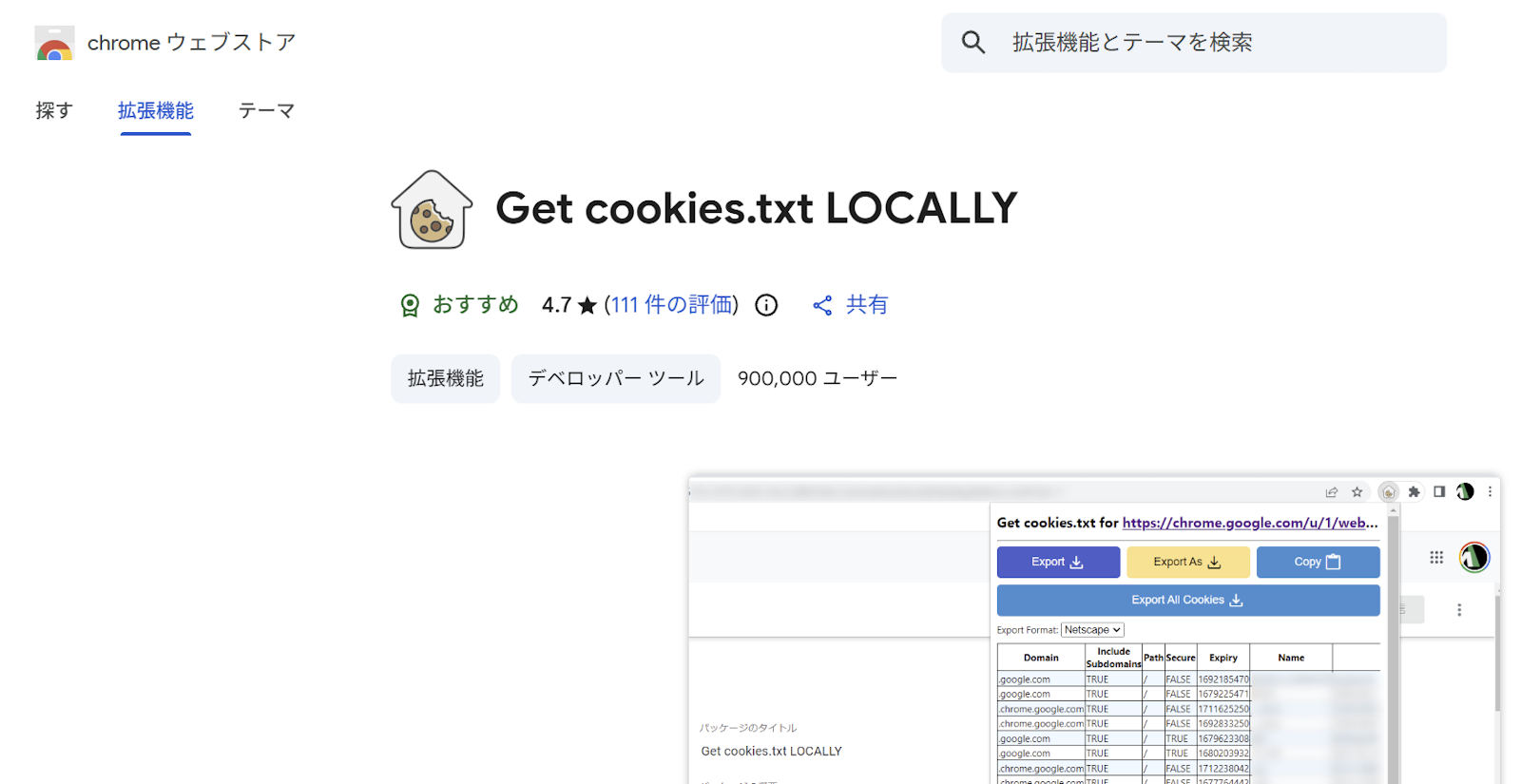
前提条件として、ダウンロードしたい限定公開の動画は1度Chrome上で再生しておいてください。
この機能拡張はChromeに保存されているCookieをテキスト形式で保存してくれます。
インストールした機能拡張のGet cookies.txt LOCALLYのアイコンをクリックするとメニューが表示されるのでExport All Cookiesを選択してダウンロードします。
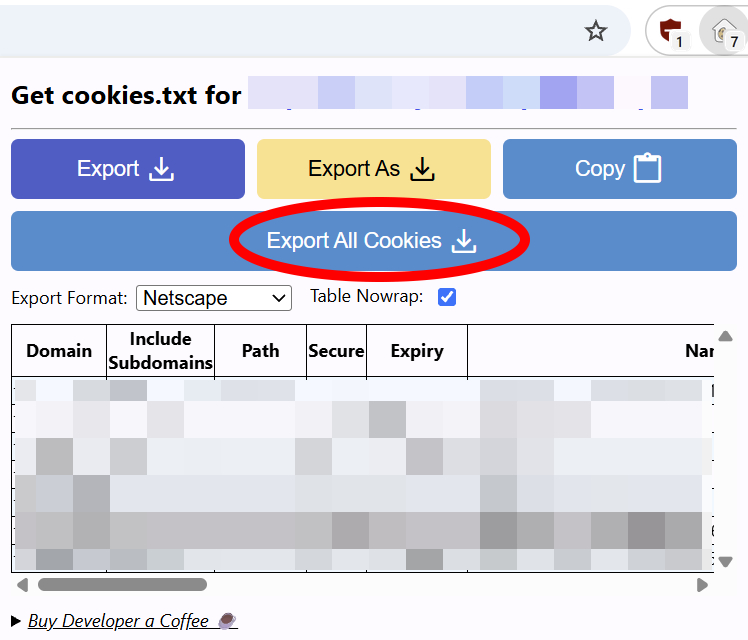
yt-dlpでダウンロードするとき、このテキストファイルを指定してダウンロードを行います。
yt-dlp --remote-components ejs:github --cookies "クッキーのテキストファイル" "動画のURL"
例として、クッキーファイル名がcookies.txt、ダウンロードしたいURLがhttps://www.youtube.com/watch?v=l80Ftl0aq1Iだとすると以下のようになります。
実行例
yt-dlp --remote-components ejs:github --cookies "cookies.txt" https://www.youtube.com/watch?v=l80Ftl0aq1I
上記は、ターミナルのカレントディレクトリにcookies.txtファイルが存在する場合です。
別の位置にcookies.txtがある場合はパス名も含めて指定してください。
以上、yt-dlpを最新にしてもYouTubeのダウンロードできない場合 でした。

コメント